Have you ever finished editing a video, exported it, and then noticed a watermark sitting in the corner of the screen? It can be frustrating, especially when you've spent time making your video look professional.
Watermarks are commonly added by video editing apps, online editing tools, and some free software versions. While they help companies promote their products, many creators prefer clean videos without extra logos or branding.
The good news is that there are several simple ways to remove or avoid watermarks from your videos. In this guide, we'll explain the most practical methods that beginners can use without needing advanced editing skills.
Why Do Videos Have Watermarks?
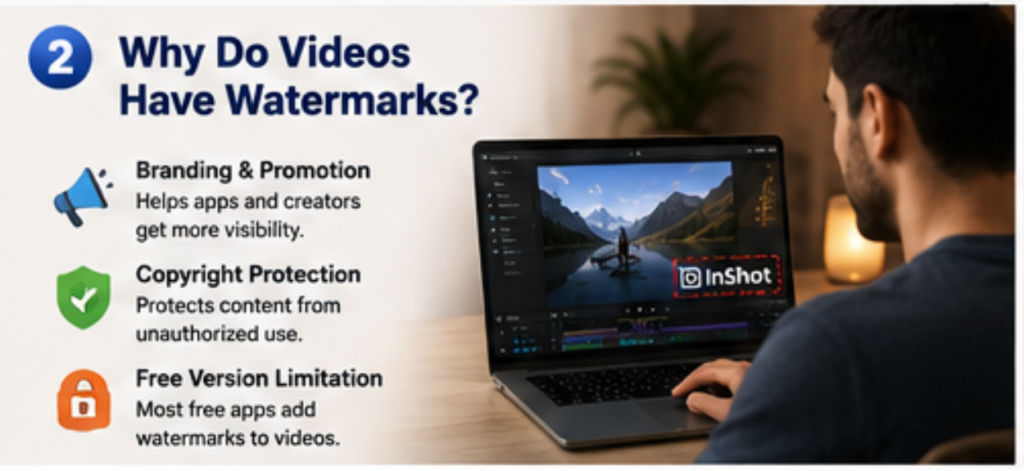
Most free video editing applications include watermarks as part of their business model. The watermark acts as advertising for the app and encourages users to upgrade to a premium version. You may see watermarks when:
· Using a free video editing app
· Exporting videos with trial software
· Editing through online video tools
· Using templates that include branding
Method 1: Use The Original Project File
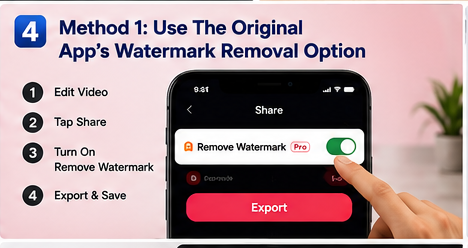
If you still have the original editing project, this is usually the easiest solution.
Open the project again and check whether the editing app offers an option to remove the watermark before exporting. Many apps provide a premium export option that removes branding completely.
This method maintains the original video quality and avoids any cropping or quality loss.
Method 2 : Upgrade To Premium Version
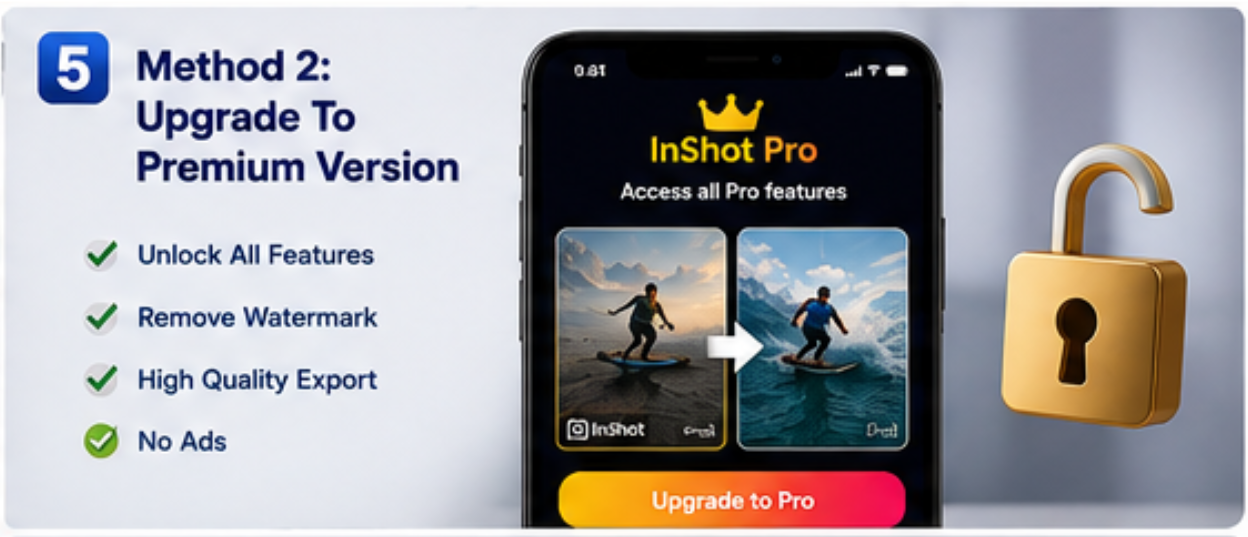
Upgrade to the Premium Version to unlock all advanced editing tools, remove ads and watermarks, and enjoy a smoother video editing experience.
Method 3: Cover The Watermark
Another simple approach is placing another element over the watermark. For example, you can add:
· Your own logo
· A text label
· A stickerl
· A graphic element
Many content creators use this technique when they need a quick fix without re-editing the entire project.
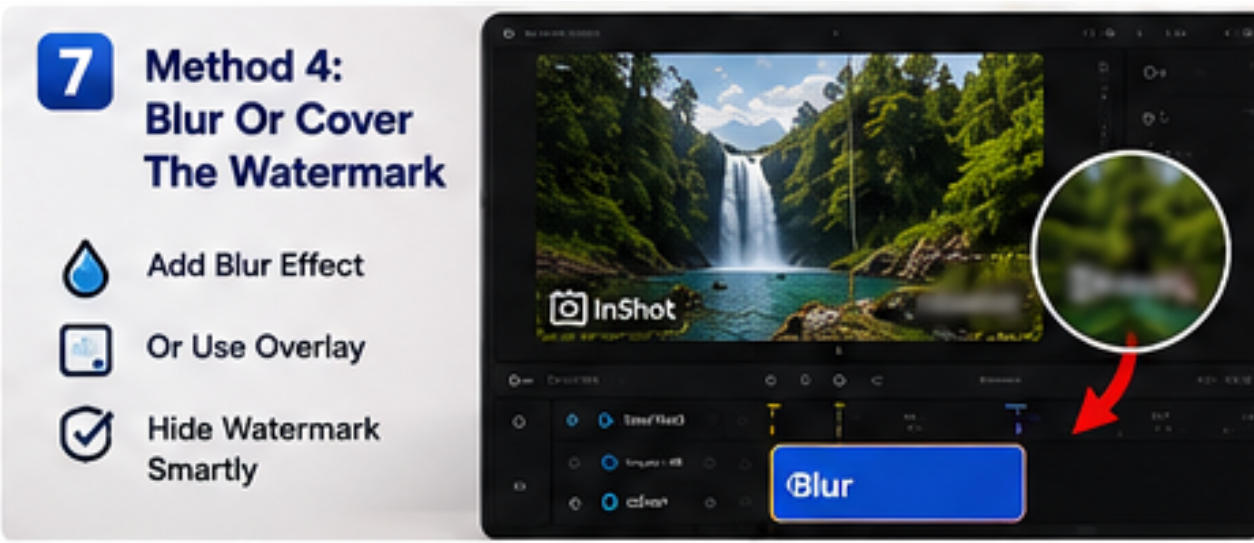
Method 4: Blur The Watermark Area
If removing the watermark completely isn't possible, applying a blur effect over the watermark can make it less noticeable. Many video editors include:
· Mosaic effects
· Pixelation tools
· Blur overlays
This method works best when the watermark is small and positioned away from important video content.
Method 5: Export Without Watermark From The Start
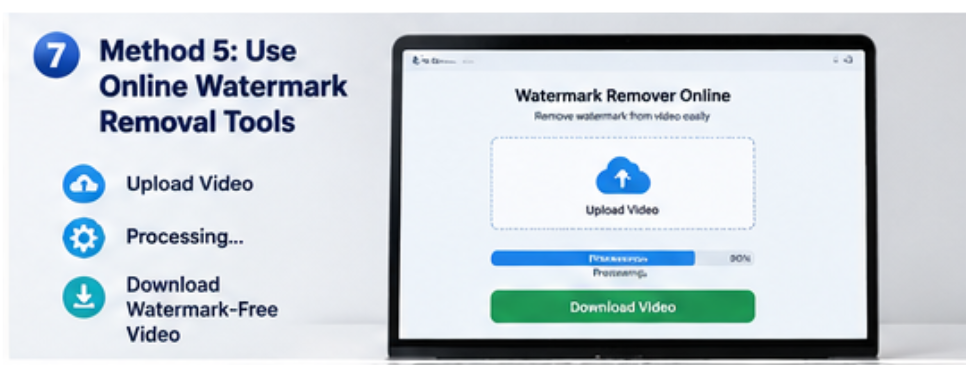
The most professional approach is preventing the watermark before exporting. Many modern video editing applications offer premium features that allow users to export clean videos without logos or branding.
If you create content regularly for:
· YouTube
· Instagram Reels
· Facebook
· TikTok
· Business marketing
having access to watermark-free exports can save time and improve the overall appearance of your videos.
Best Video Editing Apps With Watermark-Free Export Options
Several video editing apps provide options for clean exports and professional editing tools.
Popular choices include:·
· InShot
· CapcCut
· VN Videos Editor
· Kinemaster Etc.
Each platform offers different features, so choosing the right editor depends on your editing style and content goals.
Things To Avoid
When searching online for watermark removal solutions, be careful with tools that promise instant results.
Some websites may:
· Reduce video quality
· Add new watermarks
· Require unnecessary downloads
· Display misleading advertisements
Always use trusted video editing tools and keep backup copies of your original projects.
Frequently Asked Questions
Can I remove a watermark without losing quality?
Yes. The best method is exporting directly from the original project without the watermark enabled. This preserves the highest video quality.
Does cropping remove watermarks completely?
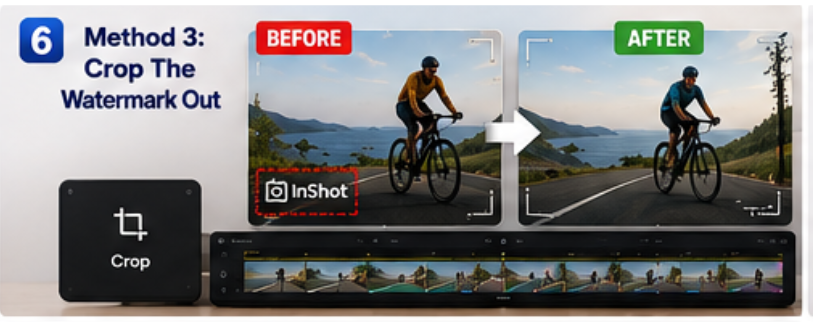
Sometimes. If the watermark is positioned near the edge of the frame, cropping can remove it, but it may also cut part of the video.
Is blurring a watermark a good solution?
Blurring can help hide a watermark, especially when complete removal isn't possible. However, it may still be visible to viewers.
Which video editor is best for watermark-free videos?
Many creators use professional editing apps that offer premium export options and advanced editing tools for clean video output.
Final Thoughts
Removing a watermark from a video doesn't have to be complicated. In many cases, reopening the original project and exporting it correctly is the easiest solution. Cropping, covering, or blurring the watermark can also help when you're working with an existing video file.
If you regularly create content for social media, investing time in learning a reliable video editor can make a huge difference. Clean, professional-looking videos not only look better but also help your content stand out across platforms.
The best approach is always to start with the right editing tools and export settings so you can focus on creating great content instead of fixing watermarks later.