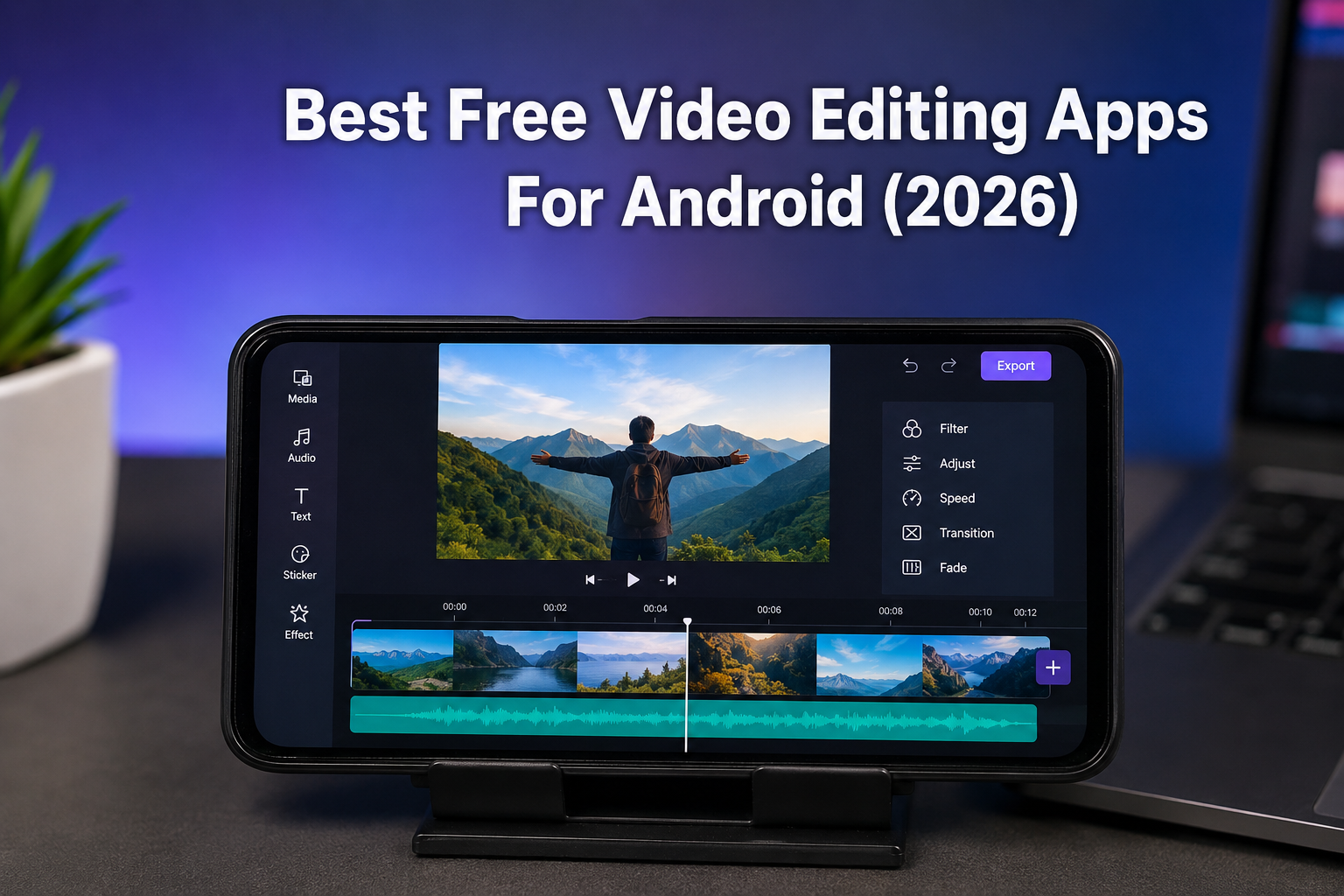
A few years ago, creating a good-looking video usually meant sitting in front of a computer and learning complicated software. Today, things are completely different. Most people shoot videos, edit them, and upload them directly from their Android phones.
Whether you're posting Instagram Reels, TikTok videos, YouTube Shorts, travel memories, gaming clips, or even a simple birthday video for a friend, having the right editing app can save you a lot of time and frustration.
The problem is that there are hundreds of video editing apps available on Android. Some are packed with ads, some hide basic features behind subscriptions, and others simply feel confusing to use.
After trying multiple apps and comparing their features, these are the free video editing apps that genuinely stand out in 2026.
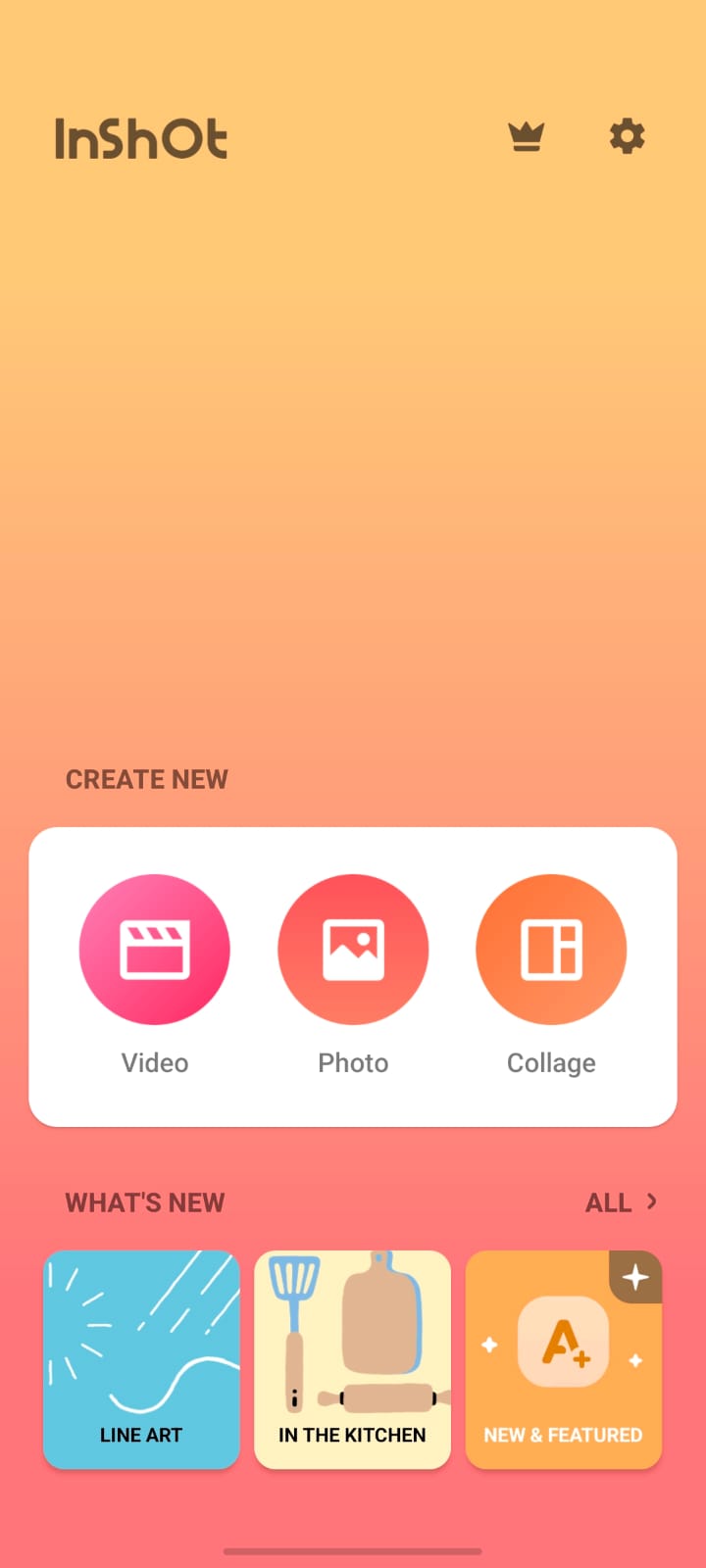
1. InShot – The Easiest Choice for Most People
Best For
People who want simple editing without spending hours learning.
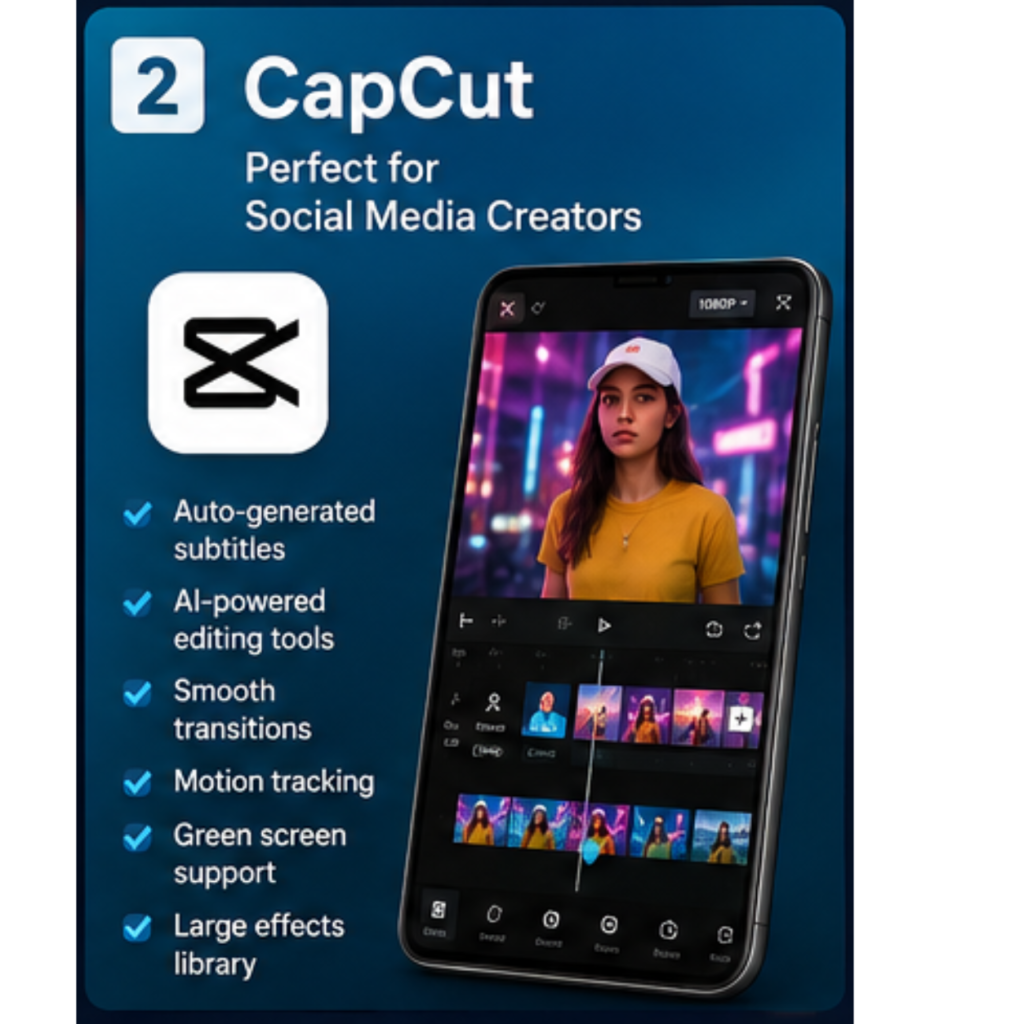
2. CapCut – Perfect for Social Media Creators
CapCut has become incredibly popular, and honestly, it's easy to understand why.
Many of the effects, transitions, and editing styles you see on TikTok and Instagram are often created using CapCut. The app includes trendy templates, automatic captions, AI tools, and a huge collection of visual effects.
One thing that stands out is how quickly you can create something that looks professional.
Instead of manually editing every small detail, CapCut often automates parts of the process and helps creators save time.
Features Worth Mentioning
· Auto-generated subtitles
· AI-powered editing tools
· Smooth transitions
· Motion tracking
· Green screen support
· Large effects library
Best For
Content creators who regularly post short-form videos.
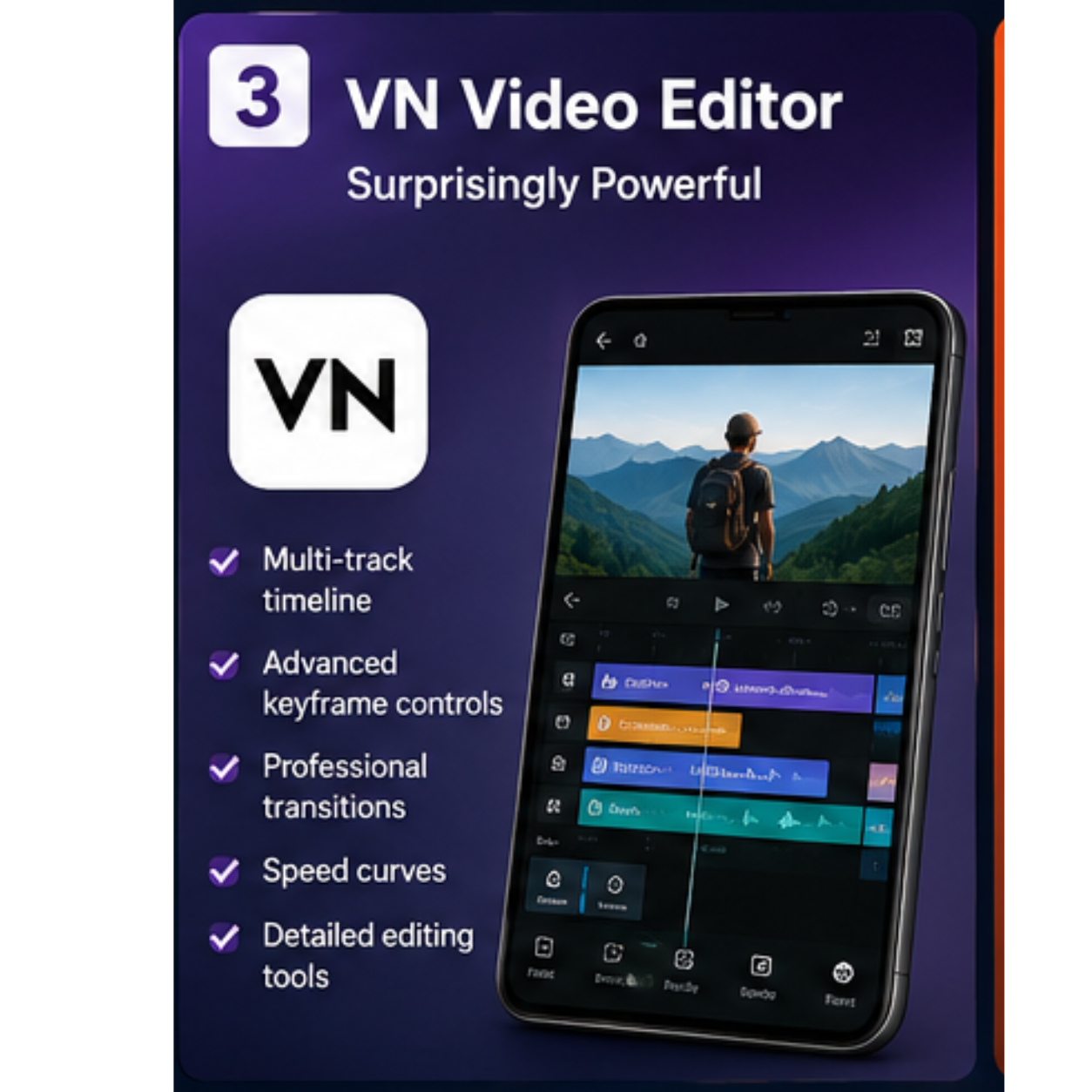
3. VN Video Editor – Surprisingly Powerful
VN Video Editor feels like it was designed for users who have already moved beyond basic editing.
The first time I used it, I expected another simple mobile editor. Instead, it felt closer to desktop editing software than most Android apps.
You can work with multiple layers, create advanced animations, and fine-tune projects with much greater control.
Despite all that power, the interface remains clean enough that it doesn't feel intimidating.
What Makes It Special
· Multi-track timeline
· Advanced keyframe controls
· Professional transitions
· Speed curves
· Detailed editing tools
Best For
Users who want more creative freedom.
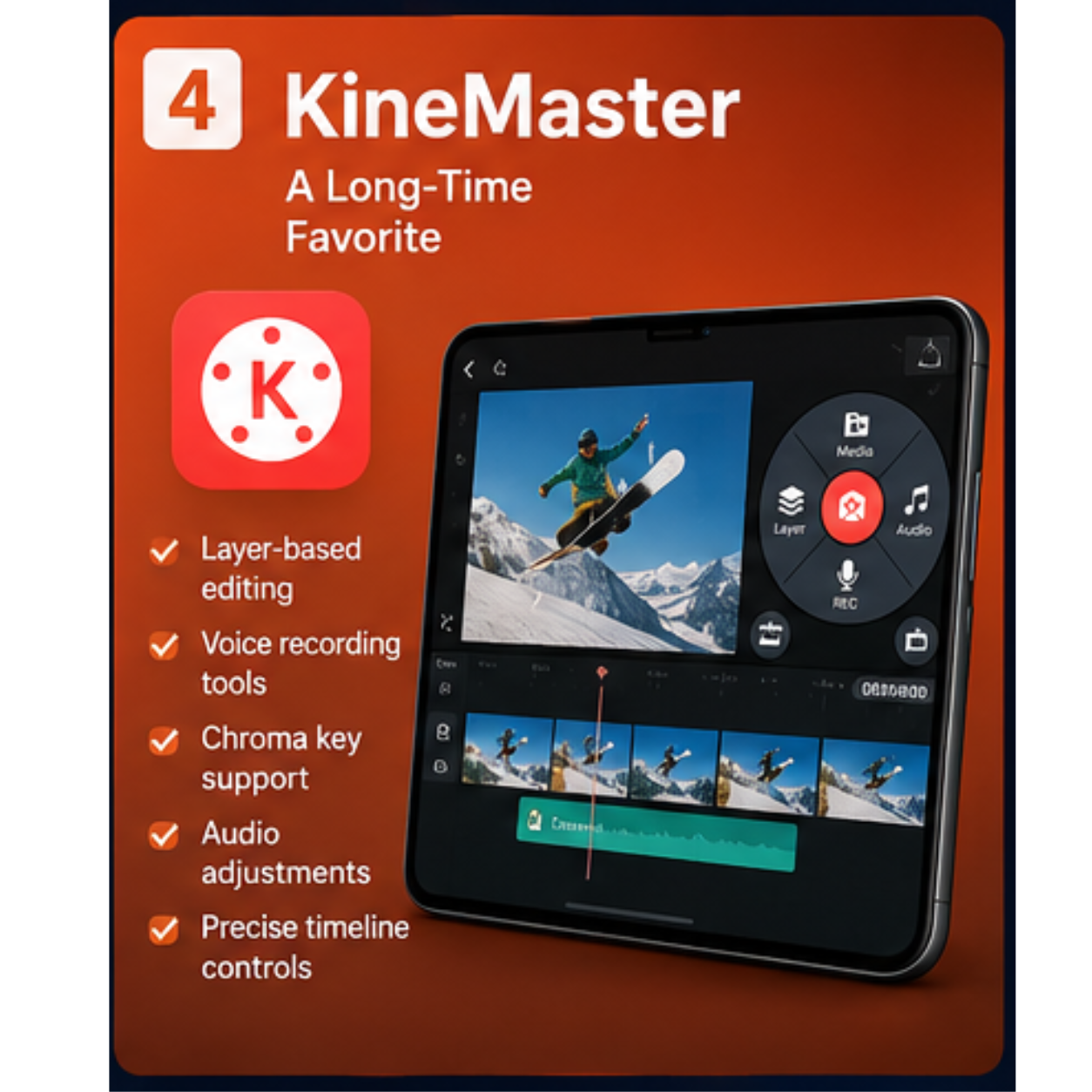
4. KineMaster – A Long-Time Favorite
KineMaster has been around for years, and there is a reason many creators still use it.
Unlike beginner-focused editors, KineMaster offers tools that allow more precise control over projects. You can layer videos, record voiceovers, apply effects, and work frame by frame if necessary.
For people who enjoy experimenting with edits and learning new techniques, it remains a solid option.
Main Features
· Layer-based editing
· Voice recording tools
· Chroma key support
· Audio adjustments
· Precise timeline controls
Best For
Intermediate and advanced mobile editors.
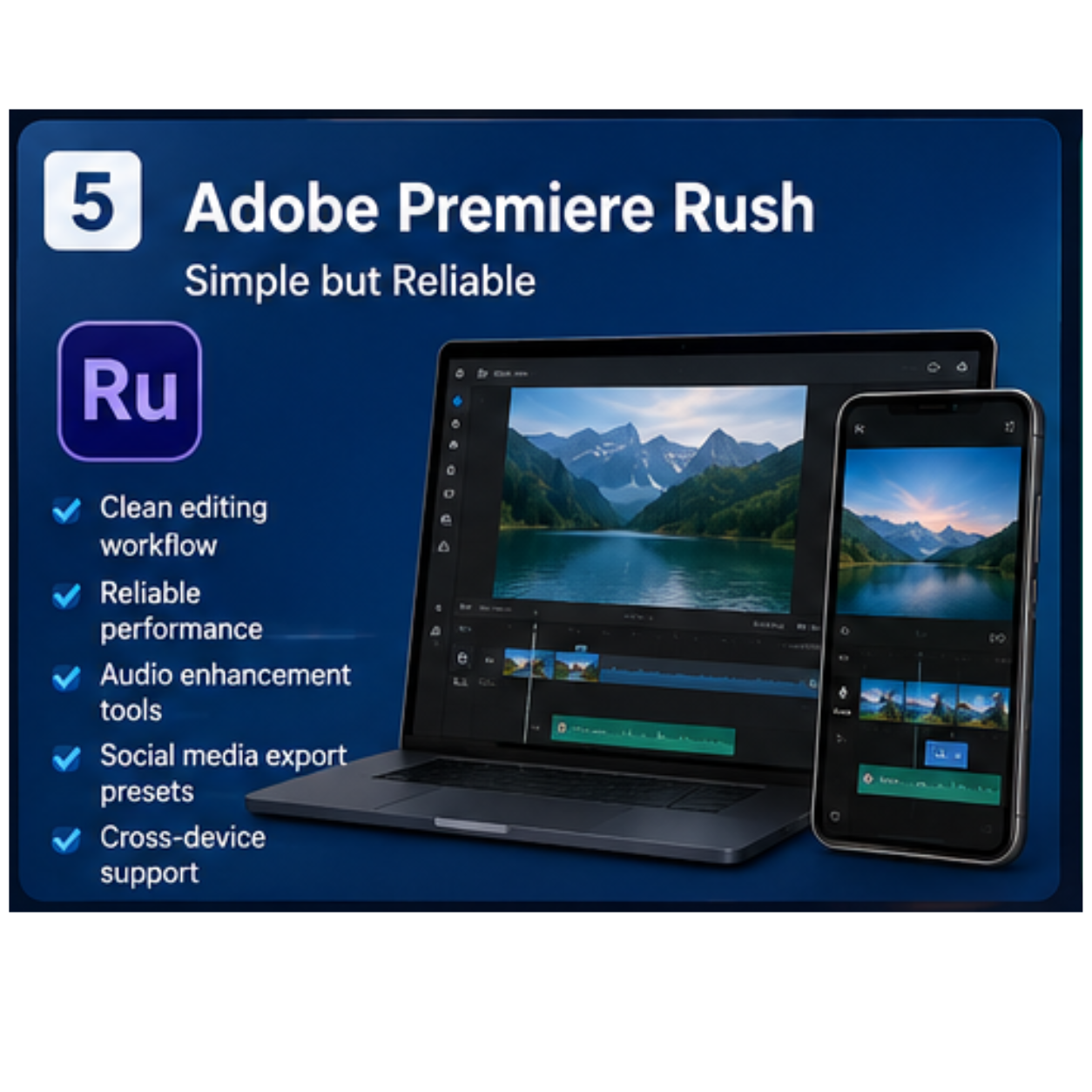
5. Adobe Premiere Rush – Simple but Reliable
Adobe is a trusted name in creative software, and Premiere Rush brings some of that experience to Android devices.
What I personally like about Premiere Rush is its clean design. Instead of flooding users with hundreds of tools, it focuses on helping creators produce polished videos efficiently.
The editing experience feels smooth, and the app works particularly well for vloggers and YouTube creators.
Key Benefits
· Clean editing workflow
· Reliable performance
· Audio enhancement tools
· Social media export presets
· Cross-device support
Best For
Creators who want dependable editing tools.
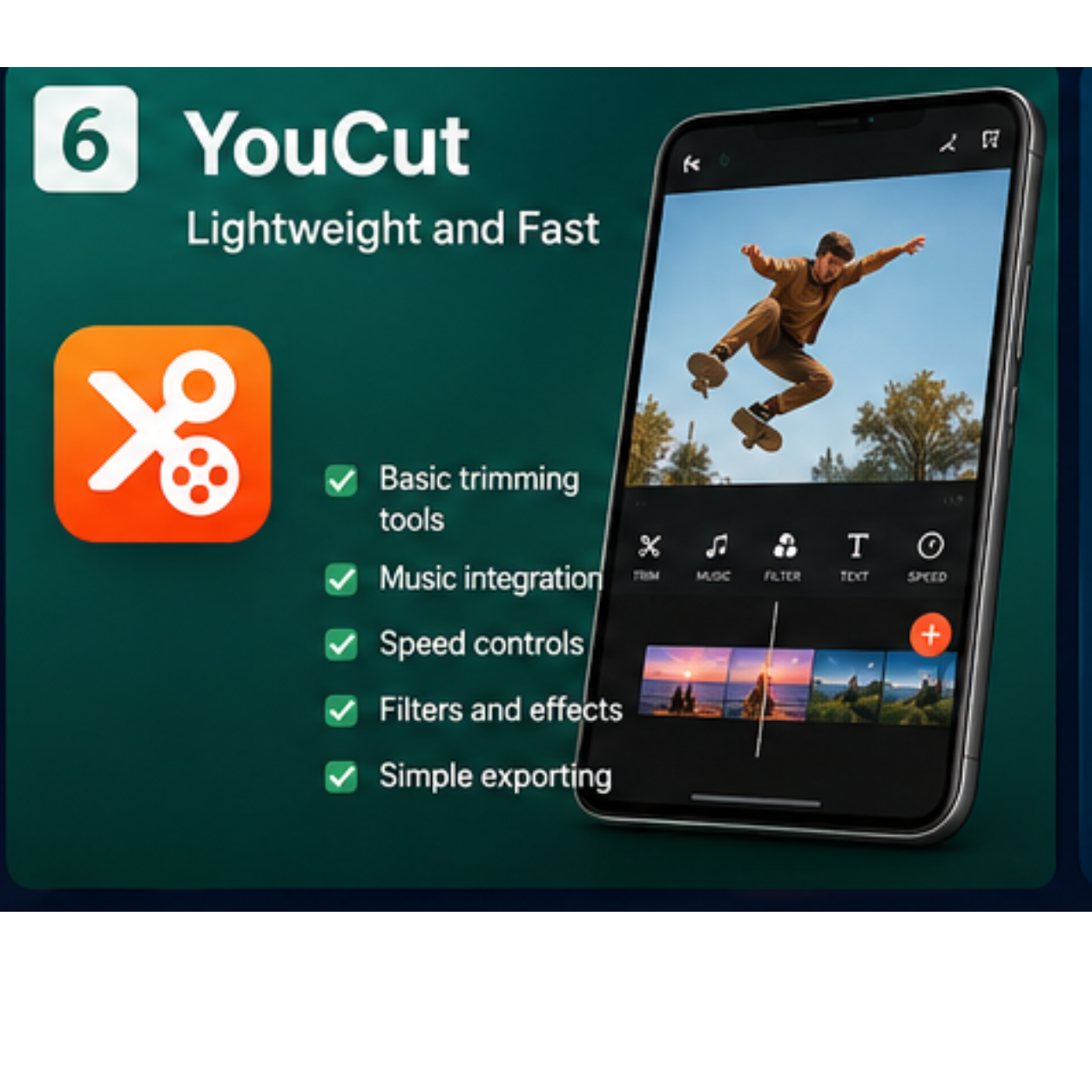
6. YouCut – Lightweight and Fast
Not everyone needs advanced effects or complicated timelines.
Sometimes you simply want to trim a few clips, add background music, and upload the final video.
That's where YouCut shines.
The app is lightweight, easy to navigate, and doesn't feel cluttered. Everything is designed around quick editing.
Useful Features
· Basic trimming tools
· Music integration
· Speed controls
· Filters and effects
· Simple exporting
Best For
Quick edits and casual video creation.
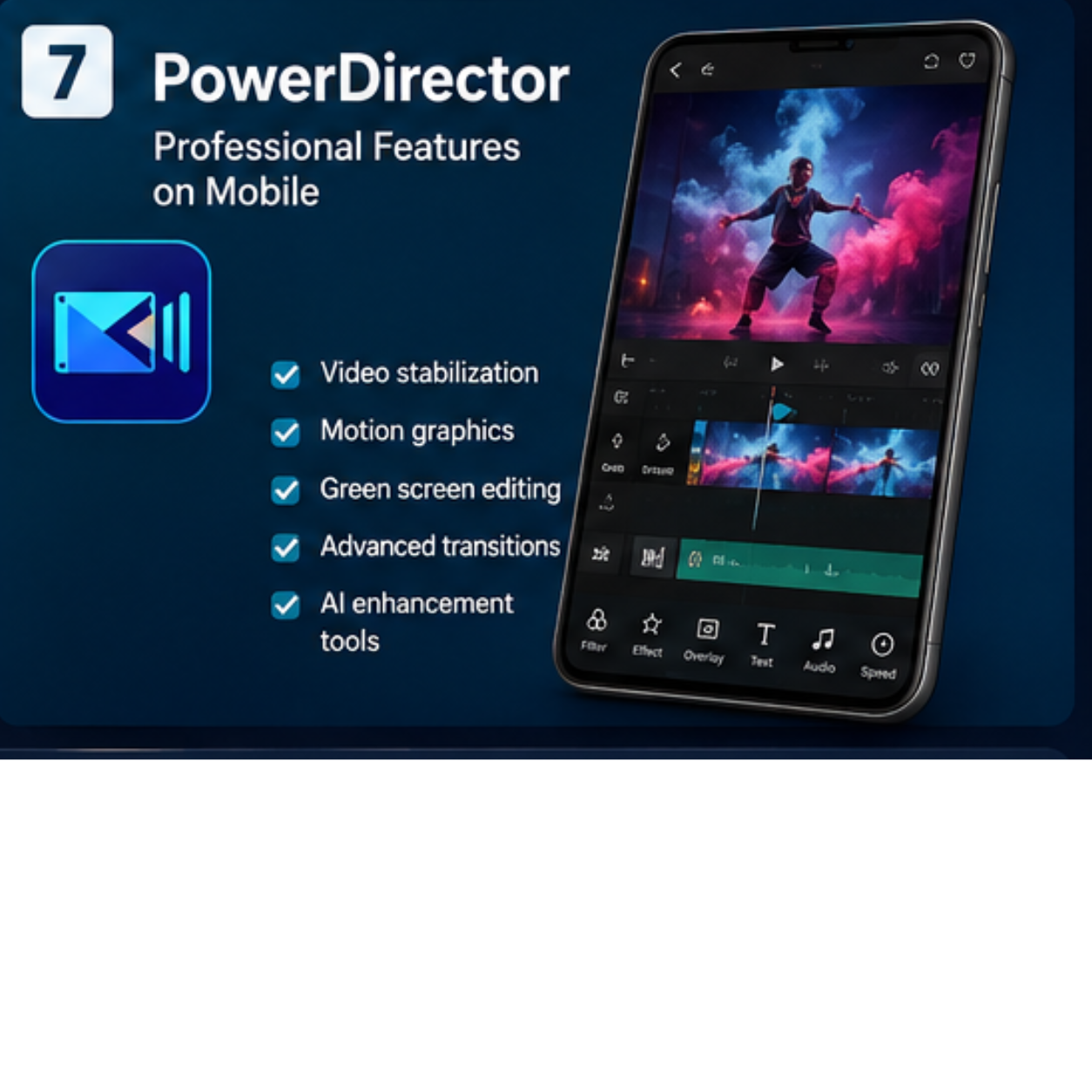
7. PowerDirector – Professional Features on Mobile
PowerDirector often surprises people because of how many advanced features it includes.
If you're interested in cinematic editing, visual effects, motion graphics, or AI-powered tools, this app offers plenty to explore.
There is definitely a learning curve compared to apps like InShot, but the results can be impressive once you get comfortable.
Features
· Video stabilization
· Motion graphics
· Green screen editing
· Advanced transitions
· AI enhancement tools
Best For
Users who enjoy detailed editing projects.
Which Video Editing App Should You Choose?

The answer depends on what you're trying to create.
If you've never edited a video before, start with InShot. It offers the smoothest learning experience.
If your main focus is TikTok, Instagram Reels, or YouTube Shorts, CapCut is difficult to ignore because of its modern features and social media-friendly tools.
For creators who enjoy more advanced editing, VN Video Editor, KineMaster, and PowerDirector provide much greater flexibility.
The truth is that no single app is perfect for everyone. What feels easy for one person might feel complicated for another.
The best approach is to try two or three options and see which one fits naturally into your workflow.
Are Free Video Editing Apps Actually Good Enough?
In most situations, yes.
Many successful content creators edit entire videos on their smartphones without ever opening a computer. Modern Android editing apps have become incredibly powerful, and most people will never use all the features they already provide.
Unless you're working on high-budget commercial projects, a good free video editing app is usually more than enough.
Final Thoughts
Finding a great video editing app doesn't require spending money. Android users have access to excellent free tools that can handle everything from quick social media posts to detailed creative projects.
If you're looking for simplicity, InShot remains one of the easiest options available. For trendy social media content, CapCut continues to dominate. Meanwhile, VN Video Editor, KineMaster, and PowerDirector are excellent choices for users who want more advanced editing capabilities.
At the end of the day, the best editing app is the one that helps you turn your ideas into videos without getting in the way. Download a few, experiment with them, and focus on creating content. That's where the real magic happens.