InShot vs CapCut: Which Video Editing App Is Better in 2026?

Inshot VS Capcut

Creating videos has become part of everyday life. Whether you're making content for TikTok, Instagram Reels, YouTube Shorts, or simply editing personal memories, having the right video editor can make a huge difference.

Two names dominate the mobile video editing world: InShot and CapCut.

Both apps offer powerful editing tools, beautiful effects, and beginner-friendly interfaces. However, they are designed with slightly different users in mind. Some creators love InShot for its simplicity, while others prefer CapCut for its advanced editing capabilities.

So which one should you choose?

In this detailed comparison, we'll break down everything you need to know about InShot and CapCut, including features, ease of use, performance, effects, pricing, and more.

Quick Overview

Before diving deeper, here's a simple comparison:

Feature InShot CapCut
Beginner Friendly
✅ Excellent
✅ Good
Professional Features
⚠️ Limited
✅ Advanced
AI Tools
Basic
Extensive
Templates
Good
Excellent
Effects & Filters
Large Collection
Huge Collection
Export Quality
Up to 4K
Up to 4K
Learning Curve
Very Easy
Moderate
Social Media Editing
Excellent
Excellent
Watermark in Free Version
Yes
Sometimes
Best For
Quick Edits
Advanced Content Creation

What Is InShot?

Inshot

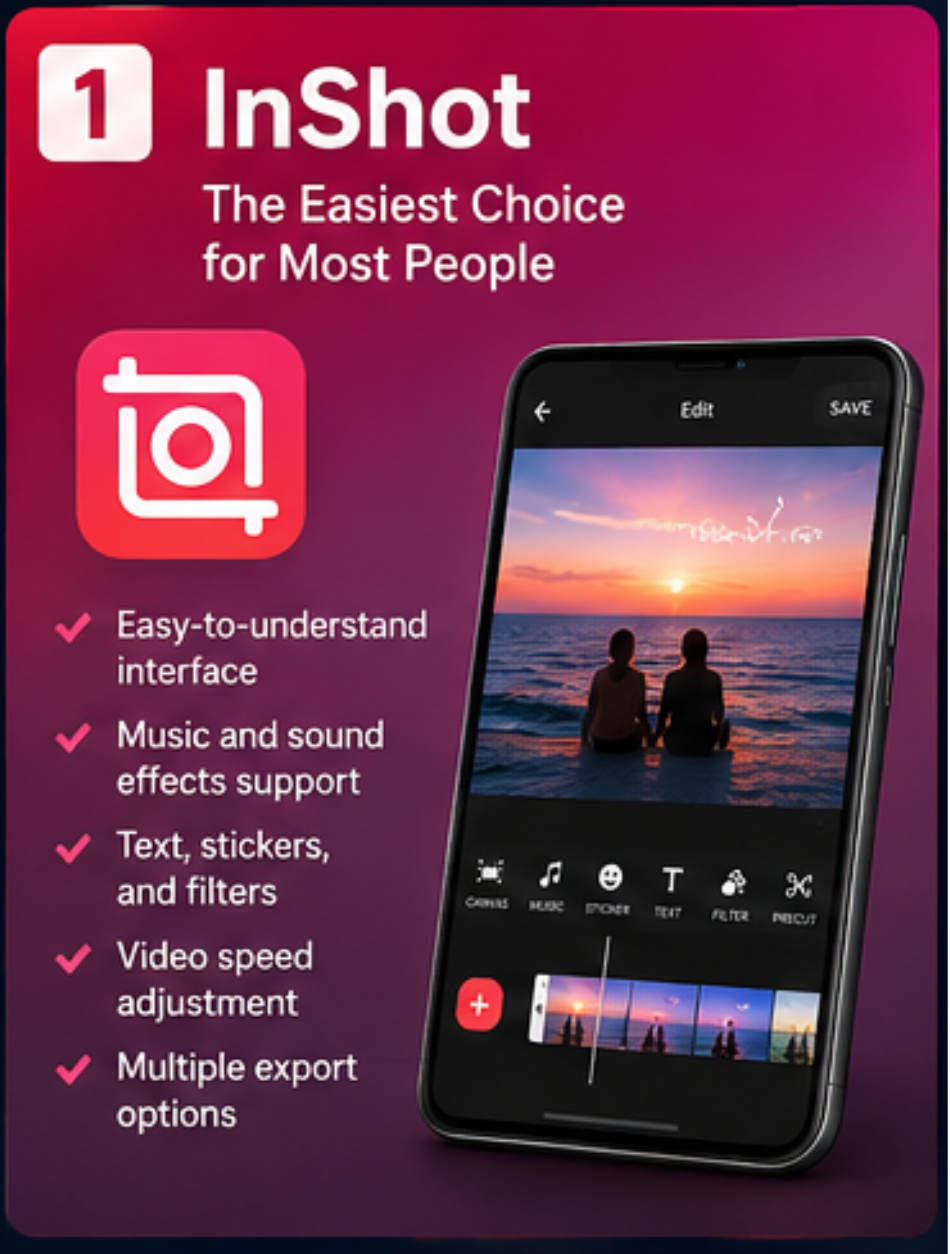
InShot is one of the most popular mobile video editing apps available today. It gained popularity because it allows anyone to edit videos without needing technical knowledge.

The app focuses on simplicity. Even first-time users can trim videos, add music, apply filters, create slideshows, and export professional-looking content within minutes.

Many Instagram creators, vloggers, and small business owners prefer InShot because it offers all the essential tools without overwhelming users with complicated settings.

Key Features of InShot

What Is CapCut?

CapCut is a powerful video editing application developed by ByteDance, the company behind TikTok.

Originally designed for TikTok creators, CapCut has evolved into a complete video editing platform packed with advanced features that were once only available on desktop software.

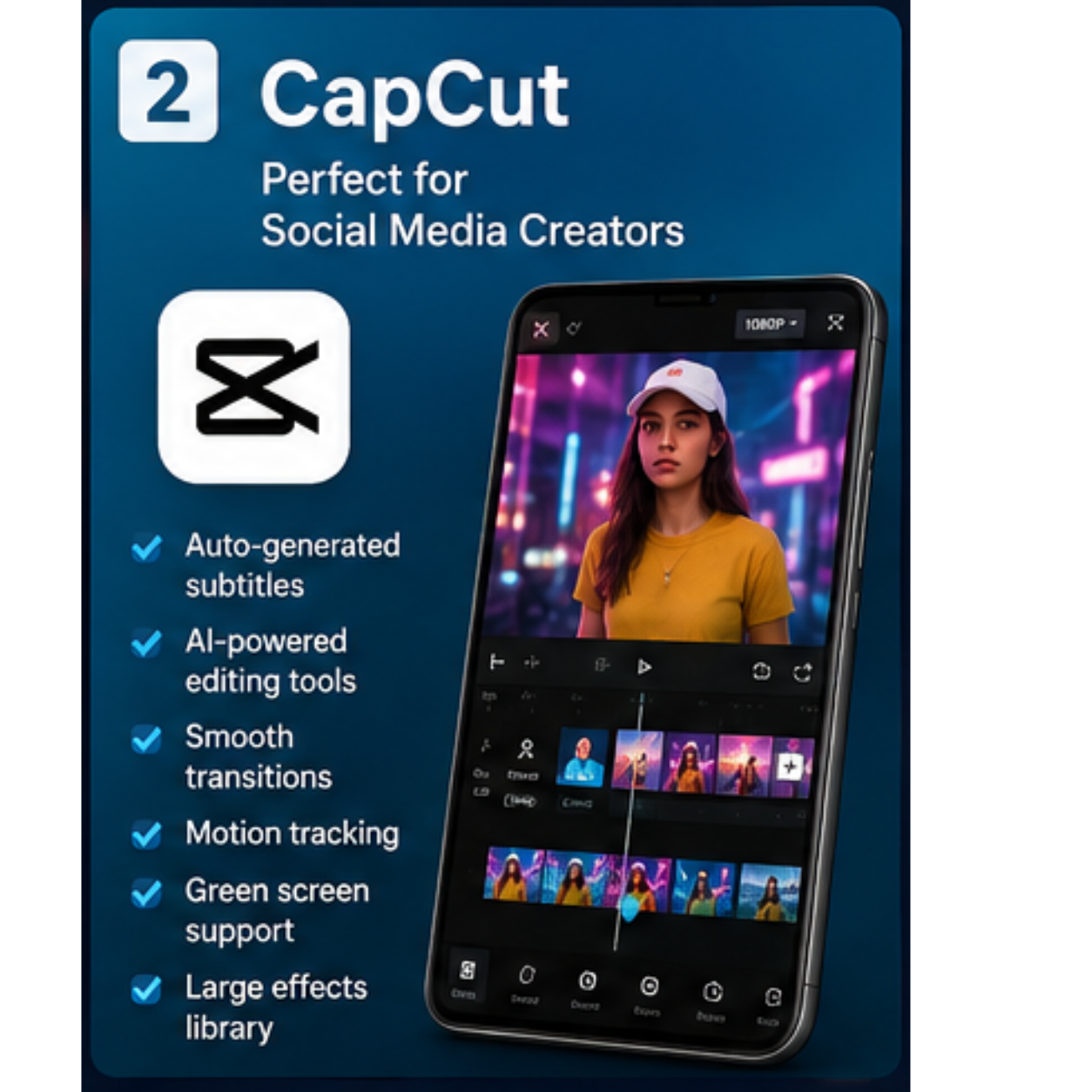
Today, CapCut offers AI-powered editing tools, automatic captions, motion tracking, advanced effects, keyframe animation, and professional transitions.

Many content creators consider CapCut one of the most powerful free video editors available.

Key Features of CapCut

Capcut

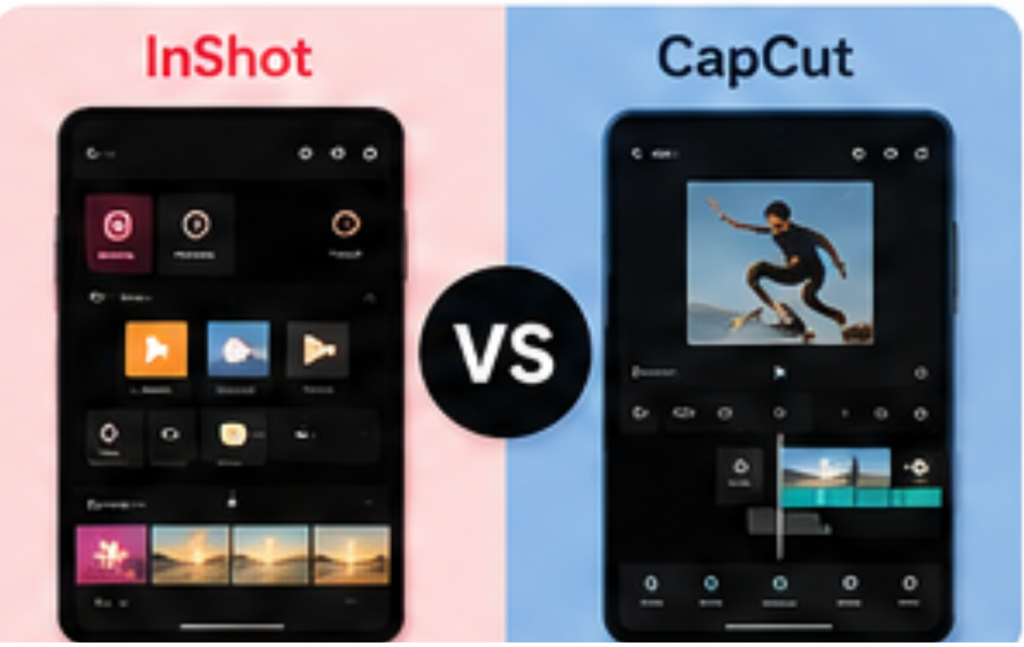
User Interface Comparison

InShot Interface

The biggest advantage of InShot is its clean and simple design.

When you open the app, everything feels straightforward. Buttons are clearly labeled, and most editing tools can be accessed with just a few taps.

For beginners, this simplicity is a huge advantage.

If your goal is to quickly edit a Reel or Short and post it online, InShot gets the job done without any confusion.
Inshot vs Capcut Interface

CapCut Interface

CapCut offers far more tools than InShot, which naturally makes the interface slightly more complex.
While beginners can still learn it quickly, there are more menus, settings, and editing options to explore.
The learning curve is slightly steeper, but the additional power is worth it for many creators.

Winner: InShot

For pure ease of use, InShot takes the lead.

Winner Inshot

Editing Features Comparison

Basic Editing

Both apps provide:

For basic editing tasks, both perform extremely well.

Advanced Editing

This is where CapCut starts pulling ahead.
CapCut includes:

Many of these tools are unavailable or limited in InShot.

Capcut

Winner: CapCut

For pure ease of use, InShot takes the lead.

Effects and Filters

Modern content creation heavily relies on effects and visual enhancements.

Inshot Effect

InShot Effects

InShot offers:

The quality is excellent, especially for social media content.

CapCut Effects

CapCut provides:

New effects are added frequently to match current social media trends.

CapCut Effect

Winner: CapCut

CapCut offers a significantly larger and more modern effects library.

Capcut

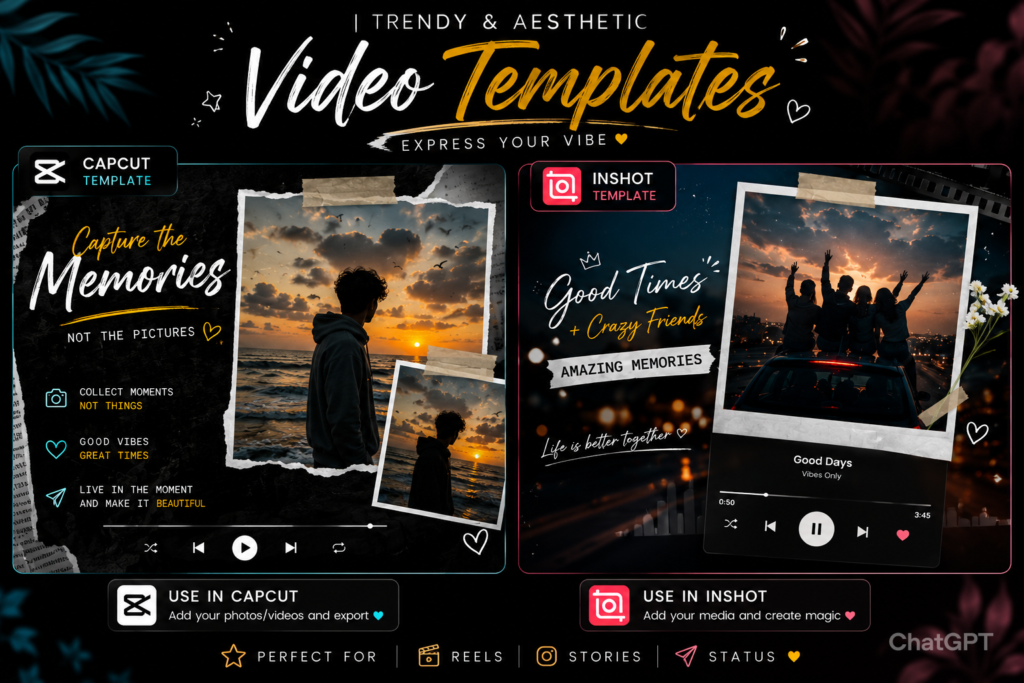
Templates and Ready-Made Content

Templates save creators a huge amount of time.

Instead of editing everything manually, users can simply choose a template and insert their clips.
InShot Templates

InShot provides useful templates for:

CapCut Templates

Capcut vs inshot templet

Winner: CapCut

The template library is larger and more frequently updated.

Capcut

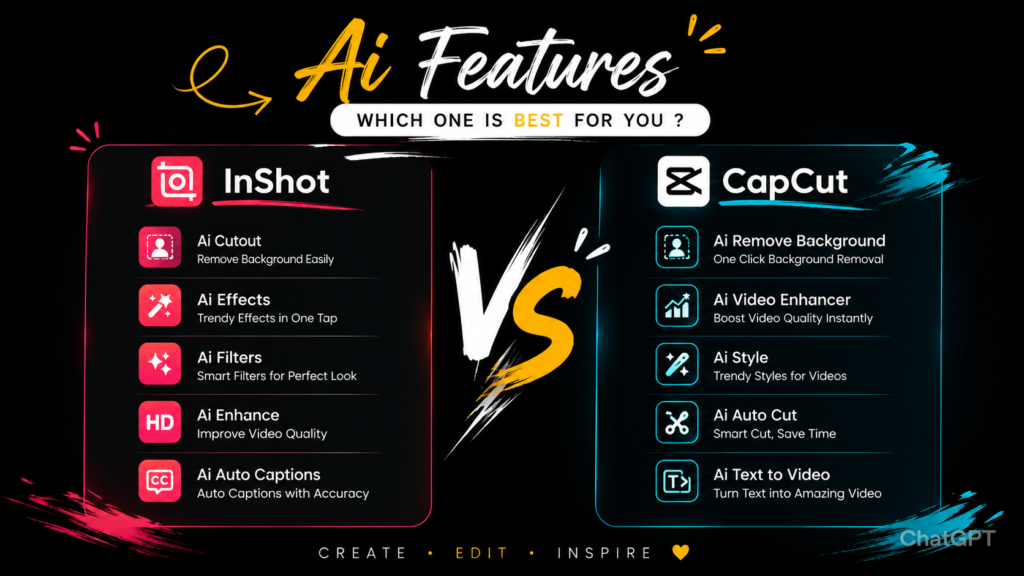
AI Features

Artificial intelligence has become a major part of video editing.
InShot AI Features

InShot includes a few AI-powered tools, but its focus remains on manual editing.

CapCut AI Features

CapCut includes:

AI features

Winner: CapCut

CapCut leads by a significant margin.

Capcut

Performance and Speed


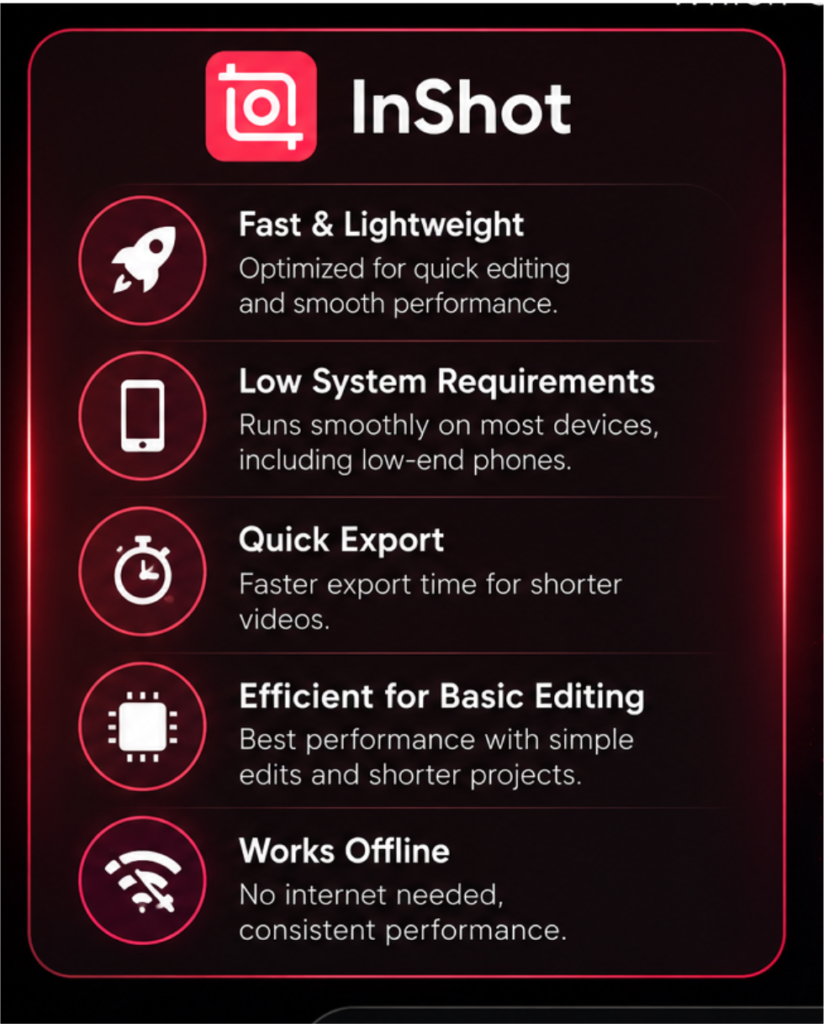
A video editor is only useful if it runs smoothly.
profance of inshot

InShot Performance

InShot is lightweight and optimized for most Android devices.

Even older smartphones can run it comfortably.

The quality is excellent, especially for social media content.

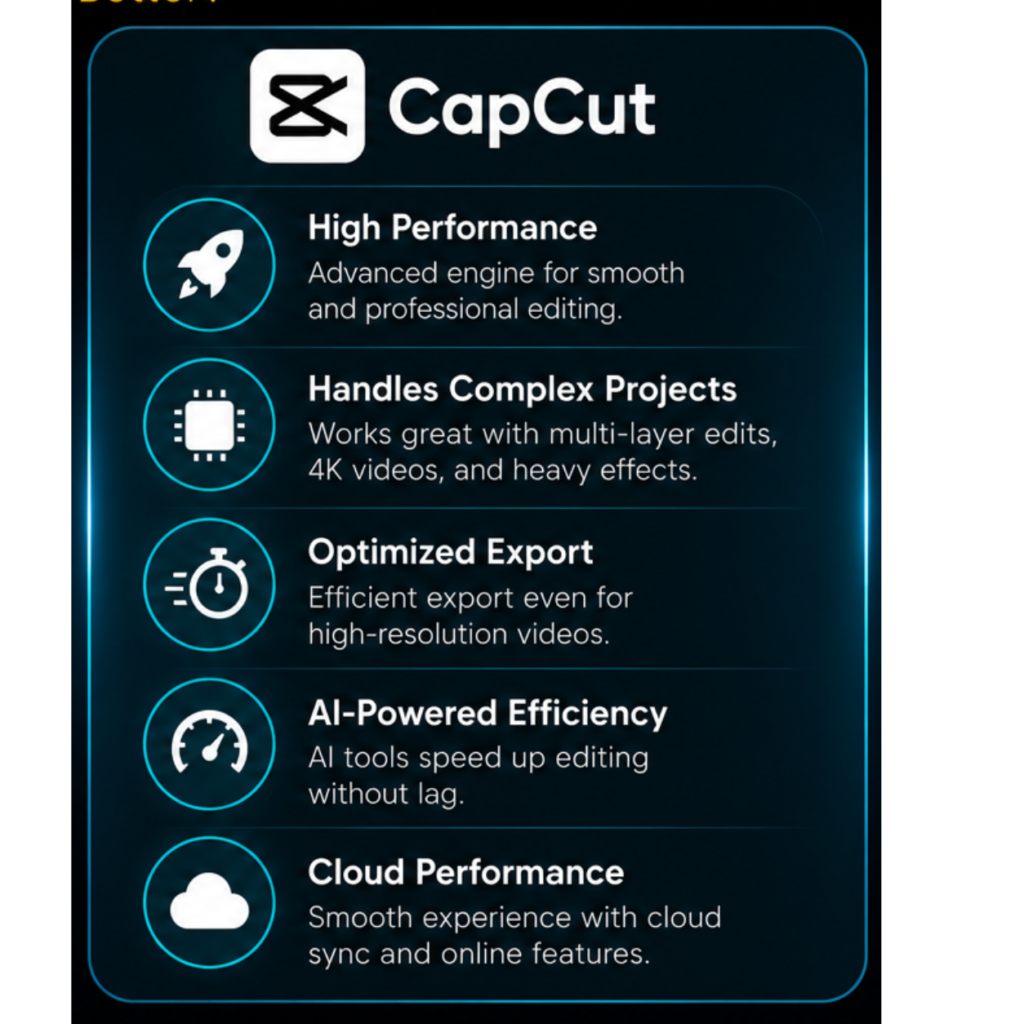
CapCut Performance

CapCut requires more processing power because of its advanced features.

On modern phones, performance is excellent.

On lower-end devices, users may occasionally notice lag during complex projects.

New effects are added frequently to match current social media trends.

perfonance of capcut

Winner: InShot

For lightweight performance and stability, InShot performs better.

Winner Inshot

Export Quality

Both applications support high-quality exports.

You can export videos in:

The final video quality is excellent on both platforms.

Winner: Tie

Most users won't notice any meaningful difference in export quality.

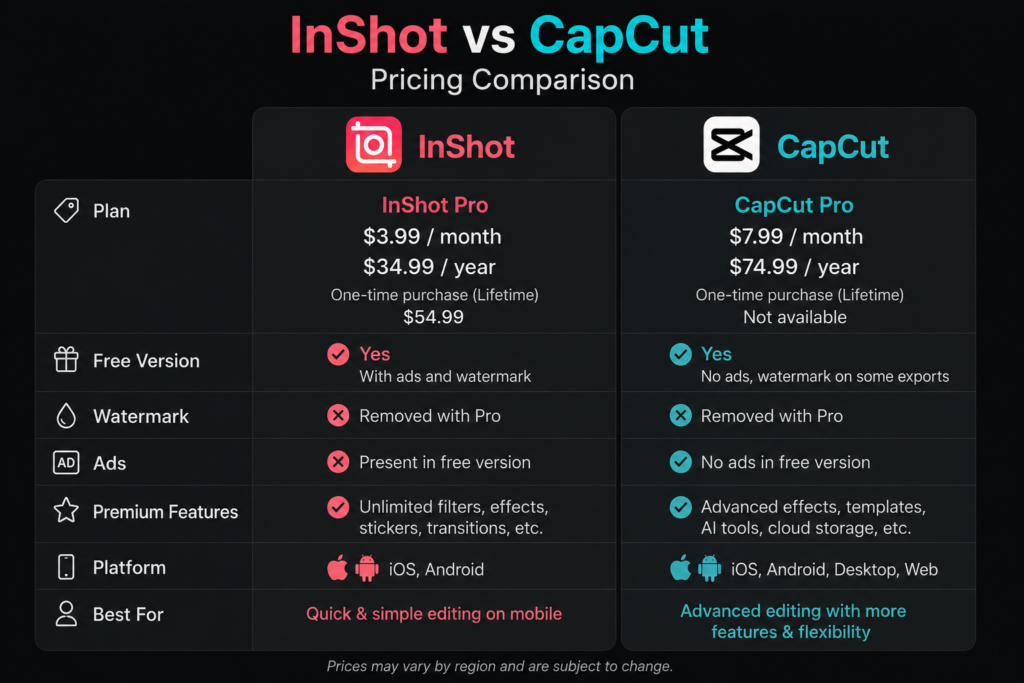
Pricing Comparison

InShot Premium

The premium version unlocks:

CapCut Premium

CapCut also offers premium subscriptions that unlock:

Pricing Comparison inshot vs capcut

Winner: Tie

The best choice depends on which premium features you personally need.

Which App Is Better for Beginners?

If you're completely new to video editing, InShot is often the easier starting point.

The interface is simple, intuitive, and designed for quick learning.

Many users create their first edited video within minutes of installing the app.

Winner: InShot

Winner Inshot

Which App Is Better for Content Creators?

Professional creators typically need:

CapCut provides all of these features.

Winner: CapCut

Capcut

Pros and Cons

InShot

InShot Pros👍 InShot Cons👎
Easy to learn
Fewer advanced features
Lightweight
Limited AI tools
Fast editing workflow
Smaller template library
Great for social media
Beginner-friendly

CapCut

CapCut Pros👍 CapCut Cons👎
Powerful editing tools
Slightly steeper learning curve
Advanced AI features
Requires more device resources
Massive template collection
Some premium tools require subscription
Excellent effects
Professional-grade functionality

Final Verdict

Choosing between InShot and CapCut ultimately depends on your editing needs.

If you want a simple, fast, and beginner-friendly video editor that helps you create social media content without complications, InShot is an excellent choice.

However, if you want professional-level editing tools, AI-powered features, advanced animations, and access to thousands of trending templates, CapCut is currently the stronger option.

For casual users, InShot feels easier and more approachable.

Our Recommendation

✅ Choose InShot if you want simplicity and speed

✅ Choose CapCut if you want advanced editing power and professional features.

Both apps are excellent, and neither choice is wrong. The best video editor is ultimately the one that matches your workflow and helps you create content consistently.

Leave a Comment